
Google Sheets - Spreadsheet Software
Google Sheets Online Spreadsheets for Personal & Business Use


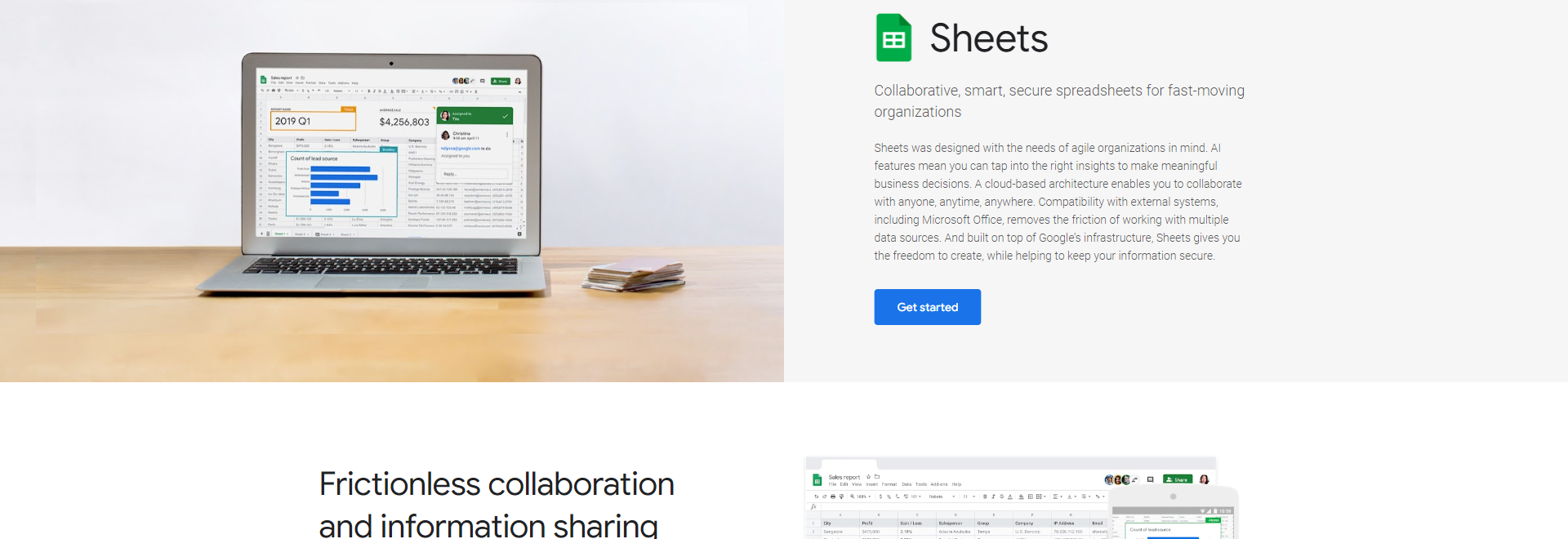
Collaborative, smart, secure spreadsheets for fast-moving organizations
Whether you’re planning an event or sharing the latest revenue figures, Sheets makes it seamless for teams to work together Easily add collaborators to projects, see changes as they occur, receive notifications for edits that happen while you’re away, and chat with colleagues in the same document All changes are automatically saved as you make them And with offline access, you can create, view, and edit files wherever and whenever
Sheets empowers everyone across the organization to uncover valuable insights from data Formula acceleration saves time and mitigates errors by surfacing relevant formulas as you type For an even easier way to navigate your data, click on the Explore button to see trends and customizable visualizations Or simply type a question into Explore and have Google AI retrieve the answers you need *Collaborative, smart, secure spreadsheets for fast-moving organizations. Sheets was designed with the needs of agile organizations in mind. AI features mean you can tap into the right insights to make meaningful business decisions. A cloud-based architecture enables you to collaborate with anyone, anytime, anywhere. Compatibility with external systems, including Microsoft Office, removes the frict.
Sheets opens up whole new ways of collaborating so that you can worry less about having the right version on file and focus on bringing your best ideas to life Seamless compatibility with Microsoft files, including many of the keyboard shortcuts you rely on, reduces the friction of working across multiple platforms
With Sheets, your content is continuously protected by one of the world’s most advanced security infrastructures Manage permissions through individual-level, group-level, or domain-level access Set expiration dates on your content Disable options to download, copy, or print for specific collaborators Use Data Loss Prevention controls to keep sensitive data safe
Sheets provides all the tools you need to analyze, visualize, and get insights from your data Additional APIs and connector tools help you process data from multiple sources — in CSV, Excel, or any other file format And with Connected Sheets, you can analyze billions of rows of BigQuery data in Sheets, without requiring SQL knowledge
Speed up workflows by building business apps and automations Use AppSheet to build custom applications on top of Sheets, without writing code Or add custom functions, menu items, and macros with Apps Script
Give individuals or groups permission to view, comment on, or edit spreadsheets Work alongside your colleagues — no matter where they are — and see updates as they’re made
Create and embed a survey on your website or send around a questionnaire at work Google Forms and Sheets work seamlessly together, so responses go straight to Sheets for instant review and analysis
Find tools created by third-party developers to add richer formatting, workflow rules, and more You can even build your own custom add-ons for your domain or plugin
We've been able to track and manage sales leads with Google spreadsheets, increasing conversion by 30%
Google Sheets supports more than 400 spreadsheet functions that can be used to create formulas that manipulate data, calculate numbers, and generate strings You can even create your own custom functions using Apps Script
Yes Multiple keyboard shortcuts are available for Google Sheets and are always switched on, with an option to enable compatible shortcuts closely matching the ones you’ve used with Microsoft Office
Yes You can import many different file types (including Excel, CSV, and plain text) into Google Sheets format The original file will remain intact You can also export data from Sheets to different file types
Please enter a valid email address
Thanks! We’ll be in touch shortly











Android