Vector Magic - Vector Graphics Software
Vector Magic Become a vectorization expert.


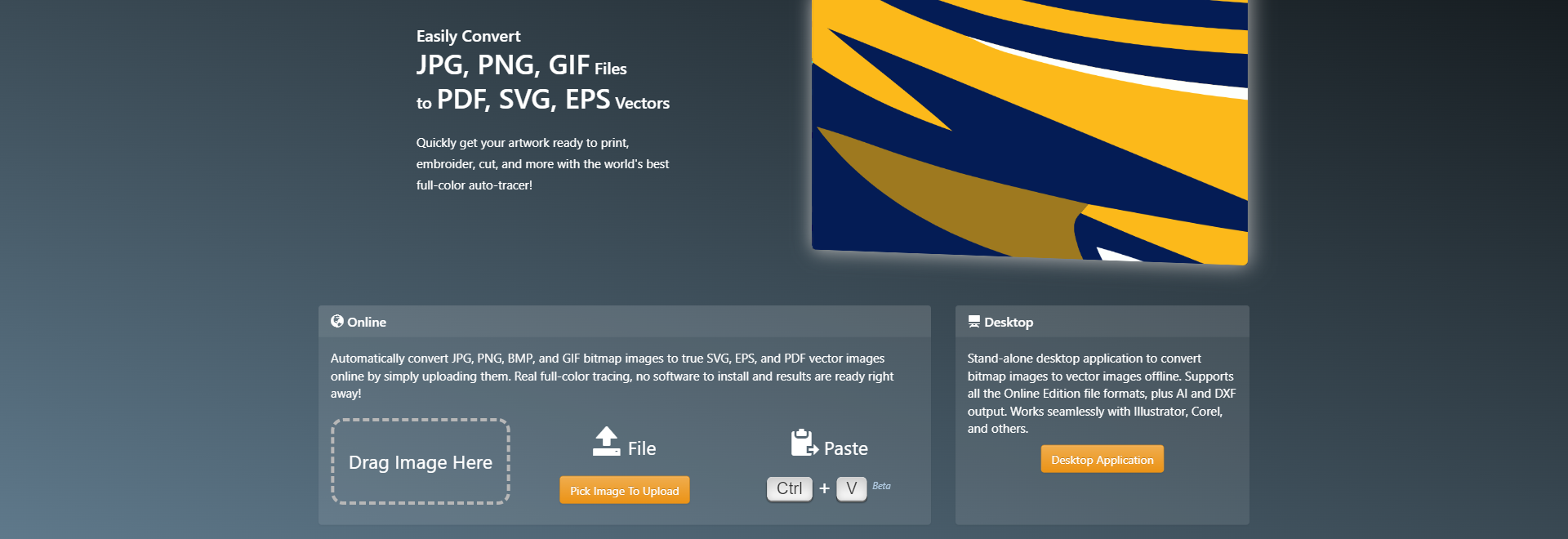
Quickly get your artwork ready to print, embroider, cut, and more with the world's best full-color auto-tracer! Automatically convert JPG, PNG, BMP, and GIF bitmap images to true SVG, EPS, and PDF vector images online by simply uploading them Real full-color tracing, no software to install and results are ready right away! *Vector Magic analyzes your image and automatically detects appropriate settings to vectorize it with, and then goes ahead and traces out the underlying shapes in full color. It carefully traces out every bit of information available in your image, slicing each edge pixel at precisely the right spot to re-create the intention of your original.
Stand-alone desktop application to convert bitmap images to vector images offline Supports all the Online Edition file formats, plus AI and DXF output Works seamlessly with Illustrator, Corel, and others
Need to get artwork ready to print, cut, or embroider? Vector Magic can help you tame your image flow Speed up turnaround times, minimize pre-print hassles, and lower your costs! Your logo represents your brand and is used across a wide range of media: your website, business cards, flyers, banners, etc Ensure a consistent and crisp display in all contexts by having it in vector format
Quickly get bitmap source material into your vector compositions, opening up a range of creative possibilities Or go old-school and draw something on paper, then scan, vectorize, and refine your creation
Create an artistic effect from your photos, vectorize graphs or maps, turn scanned artwork into something more flexible, and much more Try it out today! Examples - Tutorials - Pricing
Upload a bitmap image and we automatically figure out what settings to use and trace the image for you
You can review the vector result, tweak the settings and even edit the result, all within the same tool
The result is delivered in SVG, EPS, and PDF formats The desktop edition also produces AI and DXF
Vector Magic analyzes your image and automatically detects appropriate settings to vectorize it with, and then goes ahead and traces out the underlying shapes in full color This makes getting started a real breeze: just upload your image and presto, a result to review! Naturally you can revise the auto-detected settings Vector Magic offers you meaningful settings that are comprehensible to humans, not just to a machine, and they're easy to change
Read the full tutorial »
Vector Magic carefully traces out every bit of information available in your image, slicing each edge pixel at precisely the right spot to re-create the intention of your original
This allows us to tease out small details that are lost by other tools, pushing the envelope of how small you can go before a nuance of your input is lost
If you've used other auto-tracing tools before, you may have noticed just what an awful number of nodes they use to create your result, and just how weirdly they place them
Vector Magic is a breath of fresh air, intelligently selecting the right number of nodes to use, and placing them at excellent locations
This makes working with the results much easier and reduces file sizes
Not only does Vector Magic offer you easy to use settings, we also let you edit the result, both online and in the desktop app
You can eliminate unwanted shapes, connect shapes that have been separated, fix broken lines, and separate shapes that should not be touching, all in the form of an easy-to-use pixel-style editor
This remarkable feature can be a real life-saver when there are a few small blemishes in your result